
Wood identification app
Wood Identifier : Woodio is a wood identification app for anyone with a photo of lumber, furniture, flooring, or a cut end. It suggests a likely species and shows grain notes and common uses. The iPhone download is free. Naming a species requires Premium.
Read the Wood identification guide and How to photograph wood before you take the photo.

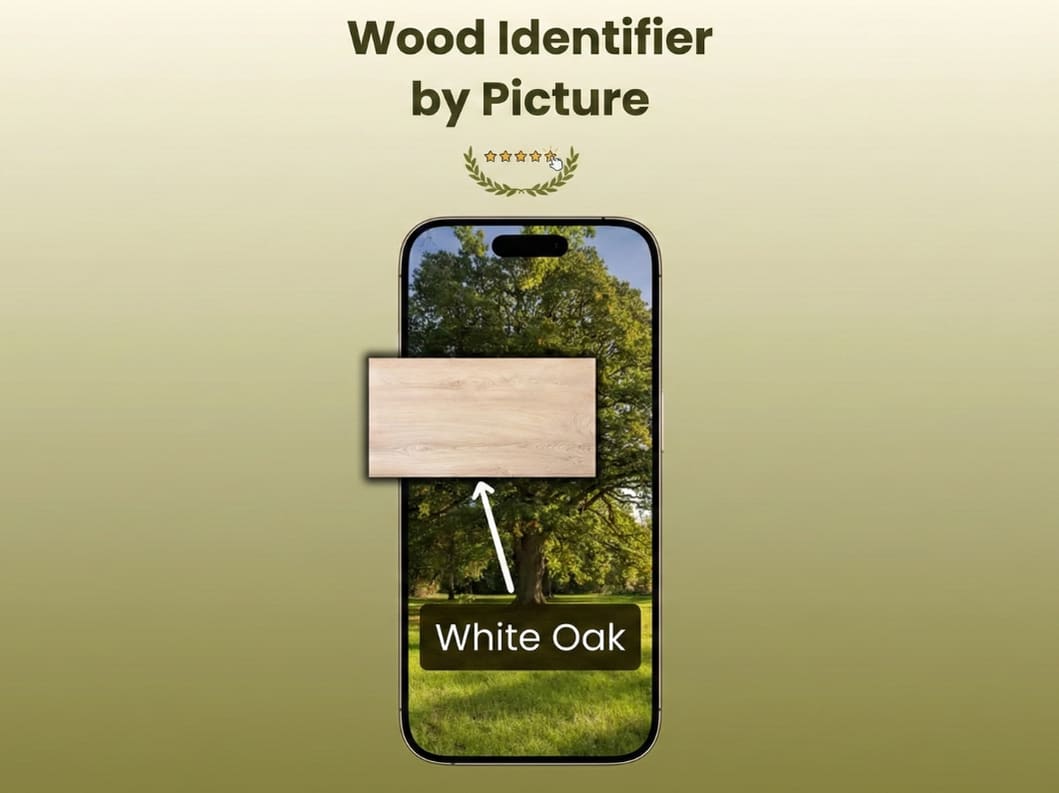
Identify wood from a photo
Open a wood identifier app, point it at face grain or a fresh end cut, and read the suggestion. Use it to match a repair, sort reclaimed lumber, or learn a board before you cut it. Pores, color, and a hardness check still matter when the suggestion is close.
- Photograph face grain or end grain.
- Read the suggested species, grain notes, and common uses.
- Use it for woodworking, furniture repair, and reclaimed lumber.
Prefer to study the board first? Read the Wood identification guide, then open Wood Identifier : Woodio on the App Store.
What you get
Each suggestion can include a species name, grain notes, and common uses. Wood Identifier : Woodio is a wood scanner app for a photo of lumber or furniture. Compare the suggestion with the board before you buy, sell, or build.
Suggested species
A likely name from the photo.
The app names a likely species. Lookalike boards and finishes can point it at the wrong one, so compare the suggestion with the wood in front of you.
Grain
What the figure looks like.
Read how the face grain, pores, and figure are described for the suggested species.
Uses
Where that species usually goes.
Common uses can include furniture, flooring, or outdoor work when the suggestion includes them.
Properties
Notes that travel with the suggestion.
Hardness and workability show up when the result includes them. They describe the suggested species, not a lab test of your board.
Lumber and finished wood
Boards, furniture, and flooring.
Photograph lumber, timber, veneer, furniture, or flooring. A finish can hide the color the photo needs.
Finish notes
Ideas to test on scrap.
The result may include finish ideas for the suggested species. Try them on scrap before you commit a whole piece.
How it works
Three steps. You still check the grain. Read how AI wood identification works if you want the longer version.
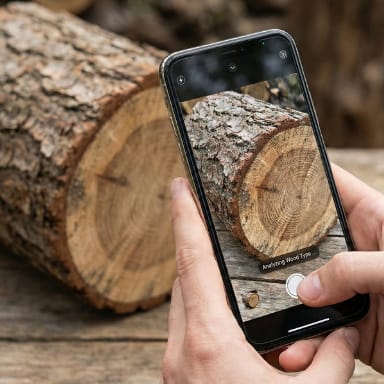
Take a photo
Photograph face grain or a fresh end cut in even daylight. Avoid glare and blur.
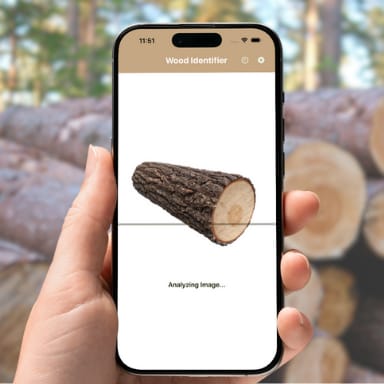
Read the suggestion
The AI wood identifier compares grain, color, and texture, then suggests a species. The result is not a guarantee.
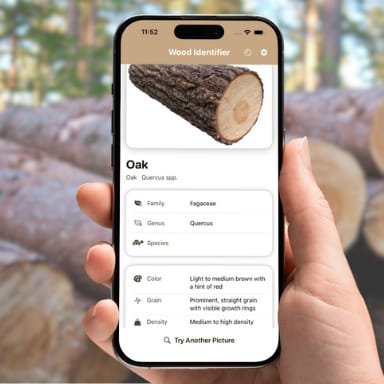
Check grain and uses
Review the suggested species, grain notes, and common uses, then compare them with the board in front of you.
Free vs premium
People looking for a free wood identification app can download Wood Identifier : Woodio on iPhone at no charge. Wood identification itself requires Premium, a weekly or yearly subscription. The weekly plan starts with a 3-day trial. You are not charged if you cancel at least 24 hours before the trial ends.
What's free in Wood Identifier : Woodio
- Downloading the app from the App Store.
- A 3-day trial of Premium when you start the weekly plan.
What's Premium
- Wood identification. The app suggests a species from your photo.
- Unlimited wood identifications while you subscribe.
- Fair usage policies may apply.
- A weekly or yearly plan that renews automatically until you cancel.
- The app shows each plan's price before you buy.
How free photo ID works
- Download Wood Identifier : Woodio on your iPhone.
- Start the 3-day trial on the weekly plan.
- Photograph face grain or a fresh end cut, then read the suggested species.
- Cancel in your Apple subscriptions at least 24 hours before the trial ends if you do not want to keep Premium.
Limits of the free tier
- Outside the trial, identifying wood requires an active Premium plan.
- The App Store lists the trial on the weekly plan, not the yearly plan.
- The trial becomes a paid weekly plan unless you cancel at least 24 hours before the trial ends.
- Every result is an AI suggestion, on the trial or on Premium.
- Check the grain when the match matters.
Try a free scan
Start the weekly plan's 3-day free trial in the app. The app shows the price before you confirm.
Photo tips
End grain, face grain, and light change what a wood identification app can see in the photo.
End grain
A fresh cut across the board shows the pores. That view separates many lookalike species that share a similar face.
Face grain
The wide face shows figure, rays, and color. Include a section that is not hidden by stain or hardware.
Light
Use daylight, hold the phone still, and turn off the flash if it glares. Shadow and blur hide the grain the app needs.
More detail sits in how to photograph wood and end-grain identification.
Wood identification guides
Practical articles on grain, hardwood vs softwood, species cues, and AI wood ID tips — free to read.
Oct 26, 2026 · 11 min
Identify Soft Maple Wood: Grain, Weight and Uses
Identify soft maple by its pale color, diffuse pores, moderate weight, wider growth rings, and differences from hard maple and birch.
Oct 19, 2026 · 12 min
How to Identify Alder Wood by Grain and Knots
Learn how to identify alder wood by its fine grain, small pores, knots, modest hardness, cabinetry use, and differences from real cherry.
Oct 11, 2026 · 12 min
How to Identify Poplar Wood by Color and Grain
Learn how to identify poplar wood by its greenish heartwood, fine diffuse pores, soft texture, paint-grade use, and stained lookalikes.
Oct 4, 2026 · 12 min
How to Identify Birch Wood by Color and Grain
Learn how to identify birch wood by its pale color, fine grain, diffuse pores, plywood faces, and differences from maple and poplar.
Sep 27, 2026 · 12 min
How to Identify Mahogany Wood by Grain and Pores
Learn how to identify mahogany wood using ribbon stripe, reddish brown heartwood, texture, end-grain pores, and comparisons with sapele and cherry.
Sep 26, 2026 · 4 min
What Kind of Wood Is This Picture? How to Tell
What kind of wood is this picture? Shoot a clean face and a fresh end grain cut, then compare pores, rays, and color.
Trusted by Woodworkers Worldwide
See what professionals and hobbyists are saying about our AI-powered wood identifier app.
"This wood identifier app has been useful in the shop. I use the suggestion when reclaimed lumber and exotic woods come through, then I check the grain before I price the board."

Michael R.
Furniture Maker
"As someone learning woodworking, this app has been incredibly educational. I've learned to identify dozens of wood species and understand their properties. The finishing recommendations have saved me from many mistakes!"

Sarah L.
Woodworking Hobbyist
"We use this app daily to verify wood shipments and help customers identify mystery wood samples they bring in."

James K.
Lumber Yard Manager
FAQ
Answers about the wood identification app, the free download, and what a photo can and cannot prove.
Download the wood scanner app
The download is free. Species identification requires Premium. The app shows the price before you buy.